

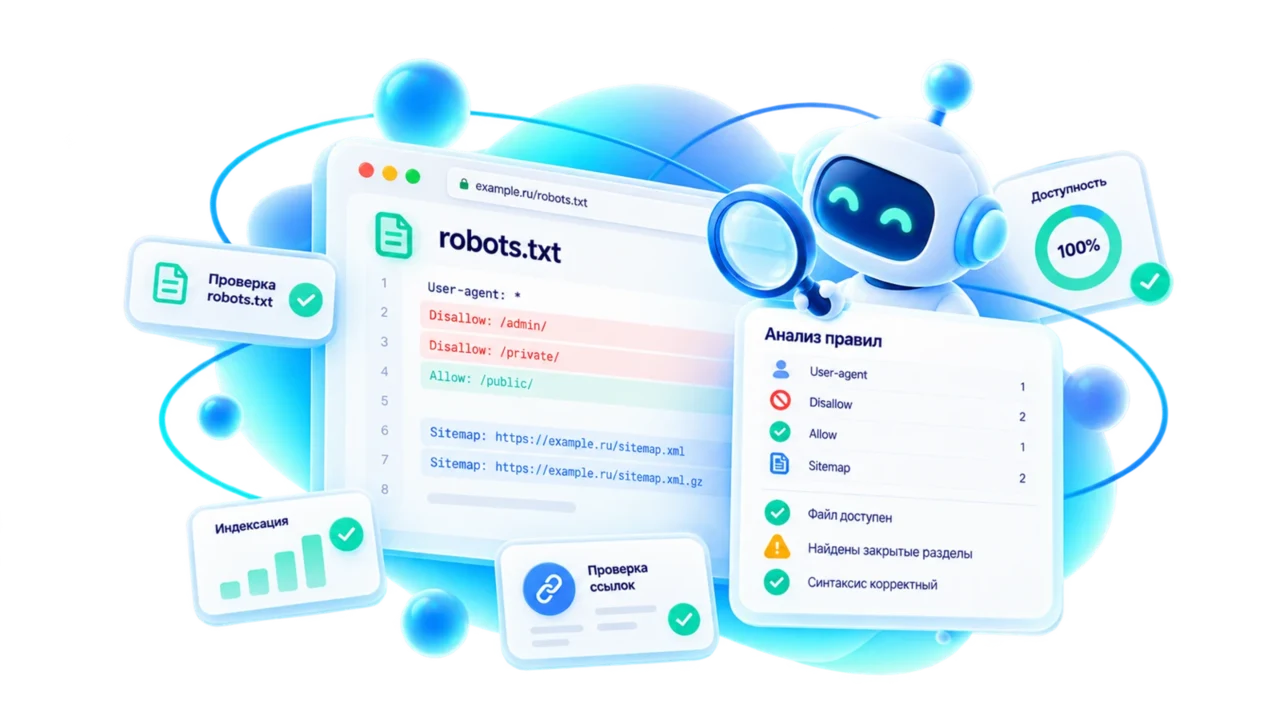
How to use it
- 1
Paste the page URL you need to test for crawling.
- 2
Keep WebDiagBot or enter another user-agent, for example Googlebot.
- 3
Review robots.txt status, the matching rule, and the Sitemap directives list.
What the tool can do
- Safe /robots.txt fetching with SSRF protection and response size limits.
- Checks a specific URL path against Allow/Disallow rules for the selected user-agent.
- Shows the matched rule, Disallow rule count, and discovered Sitemap directives.
Common use cases
- Check whether an important landing page is blocked from search crawlers.
- Find which robots.txt rule affects a catalog, filter, blog, or service page.
- Verify Sitemap declarations after a release, migration, or CMS change.
How it works inside
WebDiag builds the /robots.txt URL from the tested address origin and analyzes it with the existing robots parser.
Allow wins over Disallow at equal specificity, and a more specific rule overrides a broader one.
Questions and answers
If robots.txt is unavailable, is the site blocked from indexing?
No. An unavailable robots.txt usually means no explicit crawl restrictions were found. Production sites should publish robots.txt and Sitemap directives explicitly.
Can I test Googlebot or Yandex?
Yes, you can enter another user-agent. The tool applies the most specific matching rule group.