

Enter a URL
Paste the page or website address you want to check.

Check a page or website for metadata, robots.txt, sitemap.xml, redirects, HTTPS, performance and other technical SEO signals. WebDiag surfaces issues, affected URLs and helps you decide what to fix first.
Run a quick URL check without complex setup. Below you can see a detailed report example with priorities and recommendations.
 140+ tools for SEO and diagnostics
 Clear reports with priorities
 Save time for site owners and SEO specialists
Check websites on any CMS or technology stack
 WordPress
 OpenCart
 1C-Bitrix
 Tilda
Tilda Joomla
 MODX
MODXFocused checks for common technical and SEO tasks.
Technical check of a single page with a score and issue list.
Core Web Vitals, Lighthouse signals and performance bottlenecks.
Check file availability, crawl rules and Sitemap directives.
Validate XML, sitemap availability and target URL presence.
HTTP status, final destination and the complete redirect chain.
Title, description, robots, canonical, Open Graph and JSON-LD.
SSL certificate, HTTPS and core secure-connection parameters.
Alt text, dimensions, lazy loading, responsive markup and social preview images.
3 simple steps — from URL to a ready report
Paste the page or website address you want to check.
The service analyzes technical and SEO signals and groups detected issues.
Review priorities, affected URLs and recommended fixes.

A complete technical and SEO website audit
File availability, Allow/Disallow rules and their effect on crawling.
Sitemap structure, availability, URLs and XML errors.
3xx/4xx/5xx, redirect chains, broken and unreachable pages.
Title, description, H1–H6, robots, Open Graph and core on-page signals.
Core Web Vitals, Lighthouse, heavy resources and slow templates.
SSL, mixed content and baseline HTTP security headers.
Broken links, destinations, depth and internal page relationships.
Canonical, noindex and conflicting indexing signals.
Alt text, labels, contrast, ARIA and keyboard navigation.
Duplicate metadata, thin pages and competing signals.
Robots, noindex, canonicals and crawler accessibility.
Broken files, alt text, dimensions, lazy loading and responsive markup.
Clear priorities, affected pages and recommendations
Recommendation
Add unique meta descriptions to all important pages.
Track website health over time
Guides and articles for webmasters
What to check first and how to separate critical issues from improvements.

Check crawler access and find the rule that blocks a target URL.
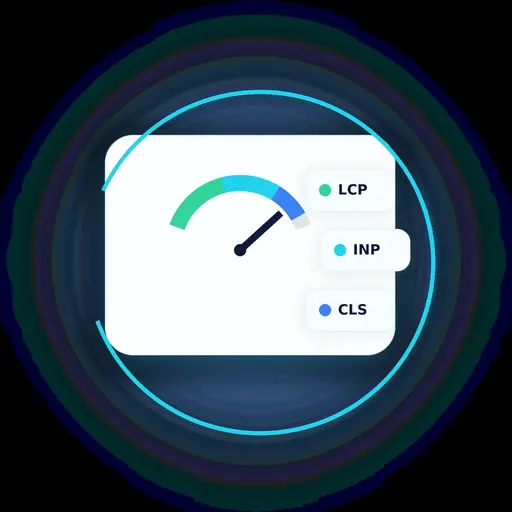
How to read LCP, CLS and related signals and where to start optimizing a page.
Short answers to common questions
You can run a quick check of a public URL from the homepage. An account is used for projects, saved history and monitoring.
Technical and SEO signals including metadata, robots.txt, sitemap.xml, statuses and redirects, canonicals, indexability, links, images, performance, HTTPS and other checks available in the product.
A quick check analyzes one URL. In the account workspace you can work with a project, bounded site crawl, reports and repeated checks.
Yes. For project-audit issues the interface shows specific pages and priority so the fix can be handed off directly.
Yes. Focused tools can verify an individual signal, while the account workspace supports repeat runs and project history.
Enter a URL and run a technical page check. For ongoing control, add the website to your account and enable monitoring.